
Make a Party Beginner Guide — The Five-Step Party Loop
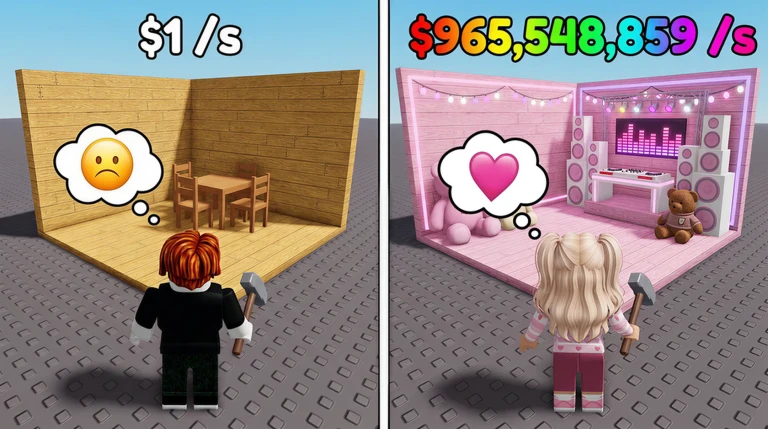
Make a Party is an incremental simulator by the Crazy Night! group: the party earns the money, your job is the setup. You spin for Party Items, decorate your base, start the party and let cash roll in every second — even while you are offline. This guide covers the verified start, based on the game’s official description and confirmed data.
1. Learn the core loop
Every session follows the same five beats, straight from the official description:
- Spin for Party Items. Use the in-game spin control to pull party items for your base. The item roster, rarities and odds are not published anywhere official, so treat spins as a straight upgrade to whatever you own.
- Customize and decorate your base. Place and arrange the items you win. Decoration is fully free-form; no hidden decoration bonuses have been confirmed.
- Start the Party. This is the switch that turns on income — cash ticks up every second while the party runs.
- Collect your money. Bank the cash that piles up so it can be spent.
- Expand your base. Reinvest into more space, more items and a bigger party.
2. Start the party early, expand often
The single most common beginner mistake in games like this is hoarding. Cash sitting in your wallet earns nothing; every expansion raises what your party earns per second. When you can afford the next visible upgrade cost, buy it.
3. Use offline cash
The headline feature: you earn OFFLINE CASH while you’re away. Before you log off, make sure your party is running and your base is as built-out as you can afford — the cash that accrues overnight comes from whatever you left behind. Logging back in to collect a bigger pile is the core rhythm of the game.
4. Claim the RELEASE code
One working code exists right now: RELEASE, listed in the official game description
since launch. It grants free cash — a meaningful head start on your first expansions.
Redeem it via the Shop menu (code box at the bottom). Full steps on the
codes page.
The developer promises another OP code at 15,000 likes; the game sat around 11,000 likes at our last check (August 23, 2026), so watch this space.
5. Do you need the VIP gamepass?
There is exactly one gamepass in the store: [X2] VIP at 149 Robux. Its name suggests some kind of doubling bonus, but the developer left its description empty, so the exact effect is unconfirmed. Our take: wait until the effect is verified in-game before spending Robux on it. Details on the VIP gamepass page.
6. Play anywhere
Make a Party supports PC, mobile, tablet and console with full controller support — handy for a game whose main loop is checking in, collecting and restarting the party.
More Make a Party pages
- Make a Party Codes — honest codes status, checked regularly
- Gamepasses — the verified [X2] VIP pass
- Updates — verified update timeline